Store
The store view lists the messages in your event store in reverse order, newest first, so you can see what your application recorded most recently. It is reachable from the sidebar and from the dashboard overview.
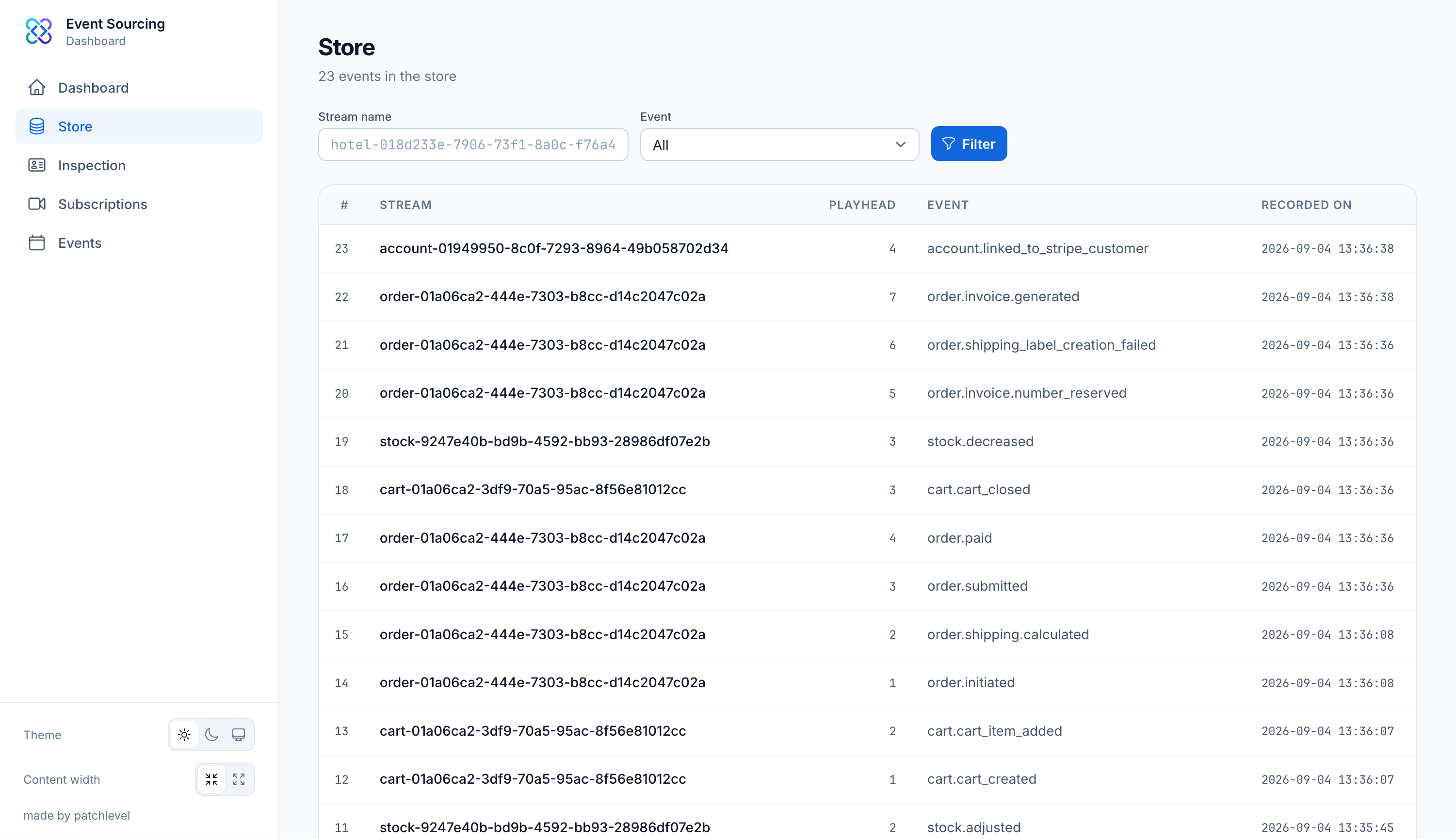
Browsing events
Each row shows one recorded event together with its aggregate, id and playhead. The list is paged, with 50 events per page by default, and you can page through the full history.
Filtering
You can narrow the list down with several filters, which map directly to the store criteria:
- aggregate: only events of a given aggregate name, for example
hotel - aggregate id: only events for a single aggregate id
- stream name: only events of a specific stream
- event: only a single event type, for example
guest_is_checked_in
The filters combine, so you can look at every guest_is_checked_in event of one hotel at once. The
available aggregate names and event names come from the aggregate and event registries, so the
filter dropdowns always reflect what is actually registered in your application.
From the store you can jump straight into the inspection view of any aggregate to see its full history and current state.